Vigolium Workbench Dashboard
Vigolium provides two complementary scanning modes:
  • Native Scan (vigolium scan) — Deterministic, multi-phase vulnerability scanning. Fast, modular, and repeatable. Runs content discovery, browser spidering, SPA crawling, SAST, and active/passive audit phases with 215 scanner modules covering:
    • Injection — XSS (reflected, DOM-based, SSR hydration), SQL injection (error-based, boolean/time-blind), NoSQL injection, SSTI/CSTI, CRLF injection, command injection, XXE/SAML, prototype pollution
    • Access Control — CSRF, IDOR, authorization bypass, mass assignment, forbidden bypass, HTTP method tampering
    • File & Path — LFI, path traversal, file upload flaws, directory listing, backup/sensitive file discovery, path normalization bypass
    • API & Protocol — GraphQL introspection, SSRF (direct & blind), open redirect, HTTP request smuggling, JWT vulnerabilities, JSONP callback, WebSocket security, race conditions
    • Framework-Specific — Spring Boot, Django, Laravel, Rails, Express, Next.js, Nuxt, Remix, ASP.NET/Blazor, Flask, FastAPI
    • CMS — WordPress (XML-RPC, user enum, AJAX exposure), Drupal, Joomla, CMS installer exposure
    • Cloud & Infra — Firebase (RTDB, storage, auth, functions), cloud storage listing/takeover, default credentials, web cache poisoning, CORS misconfiguration
    • Out-of-Band — Blind vulnerabilities via OAST callbacks (blind SSRF, blind SSTI, OAST probes)
  • Agentic Scan (vigolium agent) — AI-driven scanning powered by Claude, Codex, Gemini, OpenCode, or Cursor via protocol-specific SDK integration. The agent autonomously plans attack strategies, selects modules, generates custom payloads, and triages results — with the native scan engine handling heavy lifting underneath. Two agentic scan modes: autopilot (autonomous) and swarm (targeted or full-scope with --discover), plus query mode for single-shot code review.
It also operates as an API server with traffic ingestion, or a standalone ingestor client.
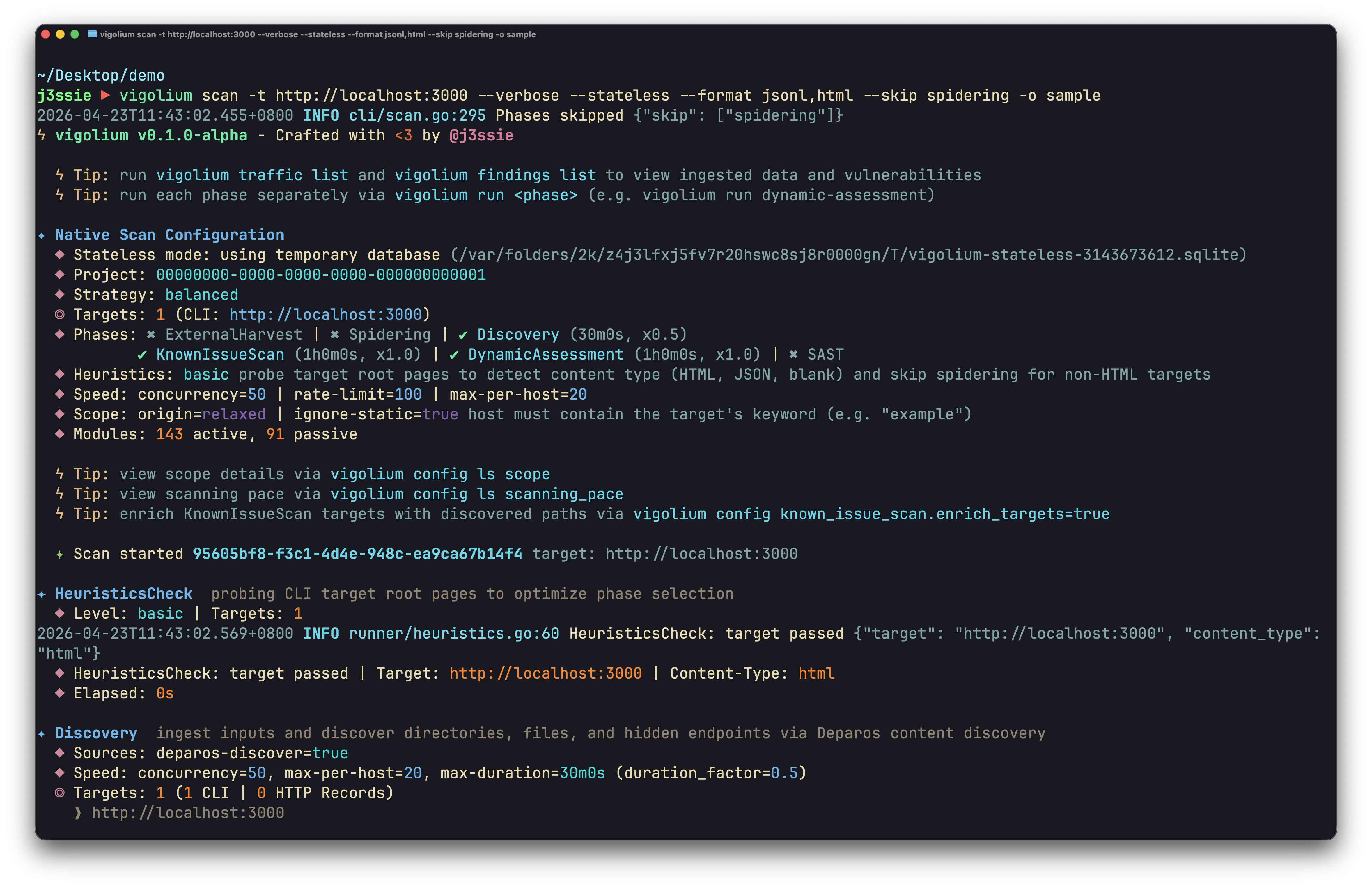
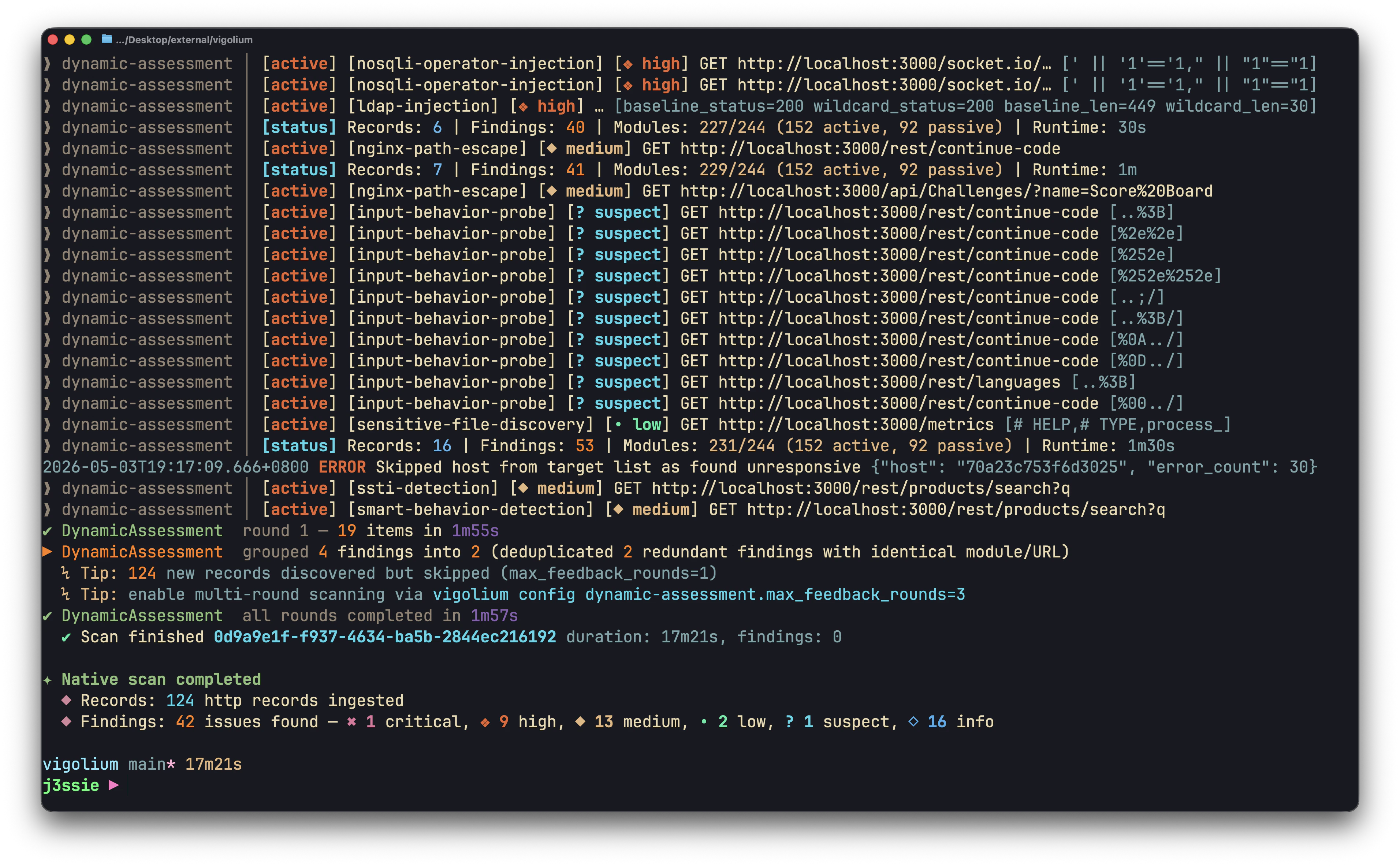
CLI Scan 1
Traffic List
Finding List
Finding List
Workbench Dashboard 1
Workbench Dashboard 2
Workbench Dashboard 3
Workbench Dashboard 4
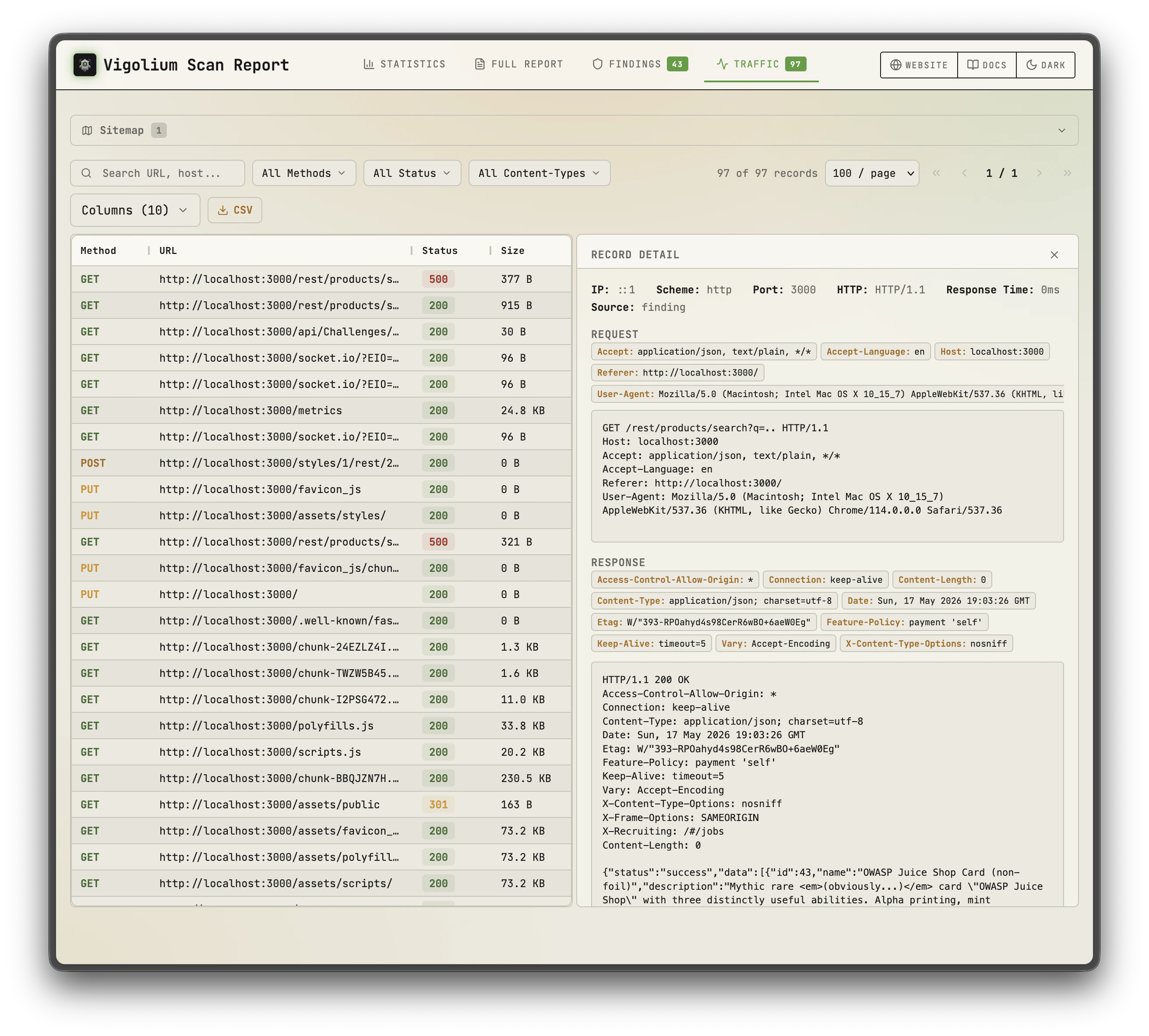
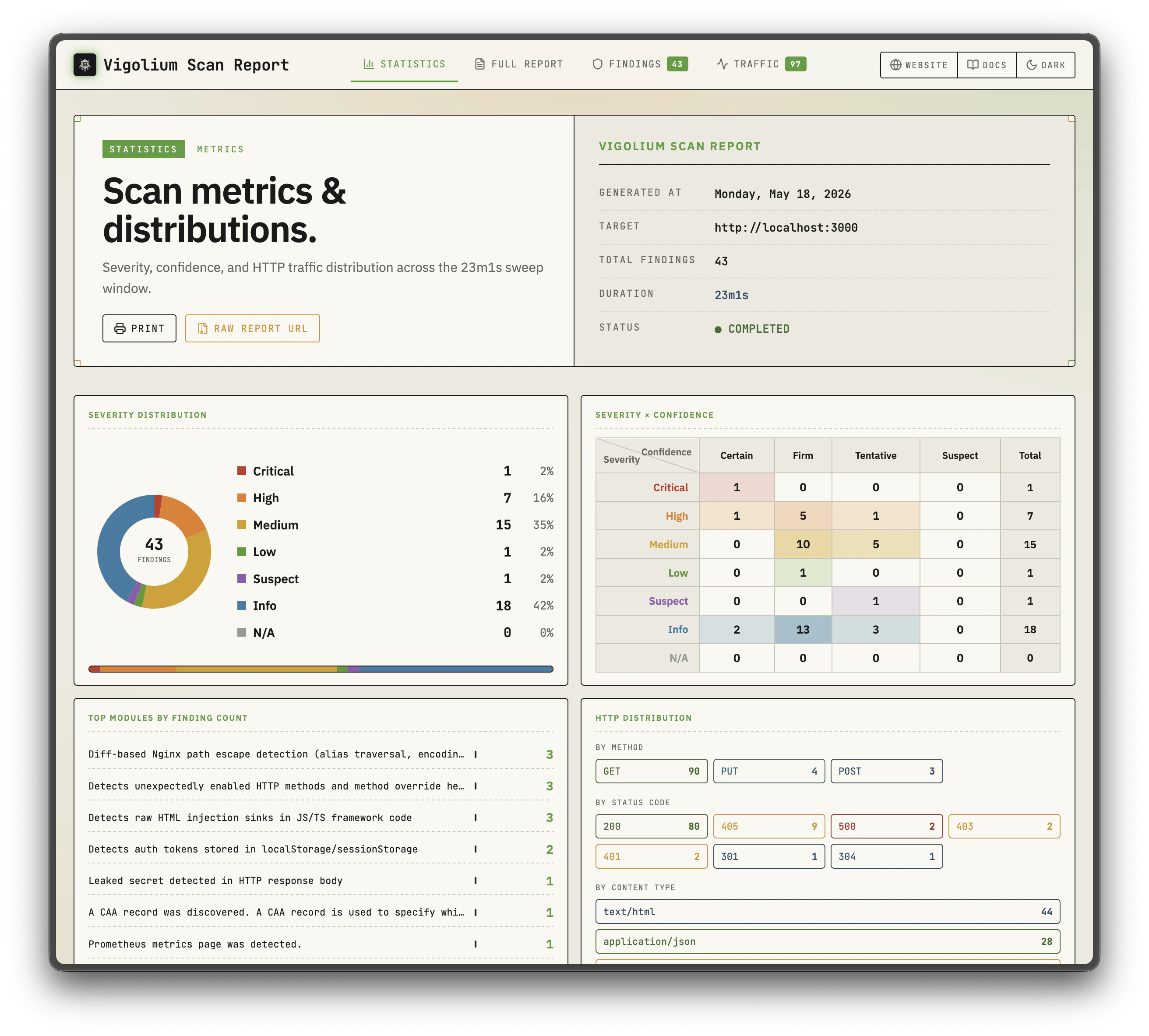
Static Report 1
Static Report 2

Key Features

Native Scan

  • 215 scanner modules — 130 active (fuzzing) and 85 passive (pattern matching) modules covering OWASP Top 10 and beyond
  • Out-of-band testing (OAST) — detect blind vulnerabilities (blind XSS, SSRF, command injection) via interactsh callback URLs with automatic payload correlation
  • Value-aware mutation — classify parameter values by semantic type (integer, UUID, JWT, email, etc.) and generate intelligent mutations per intent (neighbor, boundary, escalation)
  • Multi-phase pipeline — external harvesting, content discovery, SPA crawling, and audit controlled by strategy presets
  • Scanning profiles — bundle strategy, pace, scope, and module config into a single YAML file (--scanning-profile)
  • Multiple input formats — URLs, OpenAPI/Swagger, Postman, Burp Suite, cURL, Nuclei JSONL
  • Browser-based spider — Chromium-driven crawler (Spitolas) with SPA support, form filling, and JS analysis
  • Content discovery — adaptive directory/file enumeration engine (Deparos) with soft-404 detection
  • Header injection — automatic fuzzing of existing and synthetic headers (X-Forwarded-For, X-Forwarded-Host, True-Client-IP, Referer)
  • Multi-session authentication — inline sessions (--session), session files (--session-file), or full auth configs (--auth-config) with login flows, token extraction, and IDOR/BOLA testing
  • JavaScript extensions — custom modules and hooks via embedded JS engine (vigolium.http, vigolium.scan, vigolium.source) with session-aware HTTP APIs (login flows, cookie jars, CSRF extraction, auth testing, request sequencing)
  • Source code awareness — link repos to hostnames for source-aware scanning with vigolium.source.* API
  • Concurrent architecture — configurable worker pool with per-host rate limiting and hybrid in-memory/disk/Redis queue
  • HTML reports — generate self-contained HTML reports with sortable/filterable ag-grid tables (--format html)

Agentic Scan

  • Autonomous scanning (Autopilot) — AI agent autonomously discovers endpoints, runs scans, and triages findings. SDK protocol (default) provides full coding agent tools; ACP protocol uses a sandboxed terminal with command allowlisting. Supports multi-agent specialist pipeline and session resume
  • AI-guided swarm (Swarm) — master agent analyzes inputs, selects scanner modules, generates custom JS attack extensions, executes scans, and triages results. Supports both targeted single-request scanning and full-scope scanning with --discover. Includes AI code audit, native SAST (ast-grep), and batched execution for large input sets. agent pipeline is a backward-compatible alias for swarm --discover
  • Query mode — single-shot prompt execution for code review, endpoint discovery, and secret detection (not a scan — simple Q&A utility)
  • Source-aware intelligence — when --source is provided, agents run consolidated source analysis (route extraction, auth flow discovery, custom extension generation), AI code audit, and native SAST before scanning
  • Multiple AI backends — Claude (SDK/ACP/pipe), Codex (native/ACP), OpenCode (native/ACP), Gemini (ACP), Cursor (ACP), or custom agents via CLI or REST API (with SSE streaming)

Platform

  • API server mode — REST API with Swagger UI, multi-format ingestion, transparent HTTP proxy, OpenAI-compatible agent endpoint

Installation

# Publishing soon
Requires Go 1.26+.

Quick Start — Native Scan

# Scan a single target (default: balanced strategy)
vigolium scan -t https://example.com

# Scan with a strategy preset
vigolium scan -t https://example.com --strategy deep

# Scan specific modules only
vigolium scan -t https://example.com -m xss-reflected,sqli-error

# Scan from an OpenAPI spec
vigolium scan -T openapi.yaml -I openapi

# Pipe URLs from stdin
cat urls.txt | vigolium scan

# Run a single phase directly
vigolium run discovery -t https://example.com

# Generate an HTML report
vigolium scan -t https://example.com --only discovery --format html -o report.html
See the full overview and strategies for strategies, profiles, and pace configuration.

Server Mode

# Start API server with authentication
vigolium server -k my-secret-key

# Enable transparent HTTP proxy for traffic recording
vigolium server -k my-key --ingest-proxy-port 9003

# Auto-scan ingested traffic
vigolium server -k my-key --scan-on-receive
# Ingest traffic to a running server
cat urls.txt | vigolium ingest -s http://localhost:9002

# Ingest an OpenAPI spec
vigolium ingest -s http://localhost:9002 -i api.yaml -I openapi
See running the server for server setup, ingestion for ingestion workflows, and API overview for the full REST API reference.

Authenticated Scanning

Vigolium supports multi-session authenticated scanning for IDOR/BOLA testing and privilege escalation checks:
# Inline session via CLI flag (name:Header:value)
vigolium scan -t https://example.com \
  --session "admin:Cookie:session_id=abc123" \
  --session "user:Cookie:session_id=xyz789"

# Load session from YAML/JSON file
vigolium scan -t https://example.com --session-file ./admin-session.yaml

# Full auth configuration with login flows
vigolium scan -t https://example.com --auth-config ./auth-config.yaml

# Add custom headers (works with sessions)
vigolium scan -t https://example.com -H "Authorization: Bearer token123"
Session files support static headers, bearer tokens, and automated login flows with token extraction from cookies, JSON responses, or headers. See authenticated scanning for the full guide.

Agentic Scan

AI-driven scanning where agents autonomously plan, execute, and triage vulnerability assessments with the native scan engine underneath:
# Autopilot: autonomous AI-driven scanning (SDK protocol — full tool access)
vigolium agent autopilot -t https://example.com
vigolium agent autopilot -t https://example.com --source ./src --focus "auth bypass"
vigolium agent autopilot -t https://example.com --specialists injection,xss,auth

# Swarm: AI-guided targeted or full-scope vulnerability scanning
vigolium agent swarm -t https://example.com/api/users --vuln-type sqli
vigolium agent swarm -t https://example.com --discover  # full-scope (replaces pipeline)
vigolium agent swarm -t https://example.com --source ./src --discover  # source-aware full-scope
vigolium agent swarm --input "curl -X POST https://example.com/api/login -d '{\"user\":\"admin\"}'"

# Pipeline: backward-compatible alias for swarm --discover
vigolium agent pipeline -t https://example.com
Two agentic scan modes:
  • Autopilot — autonomous scanning with multi-agent specialist pipeline. SDK protocol (default) provides full coding agent tools; ACP protocol uses a sandboxed terminal restricted to vigolium commands
  • Swarm — AI-guided vulnerability scanning supporting both targeted single-request and full-scope (--discover). Master agent analyzes inputs, selects modules, generates custom JS extensions, runs code audit and SAST, executes scans, and triages results. agent pipeline is a backward-compatible alias for swarm --discover

Agent Query (Utility)

Single-shot prompts for code review, endpoint discovery, and secret detection — not a scan, just Q&A:
# Security code review of a repository
vigolium agent query --source ./myapp --prompt-template security-code-review

# Send a freeform prompt
vigolium agent query --prompt "Explain the OWASP Top 10 in one sentence each"

# Dry run — render prompt without executing
vigolium agent query --source ./myapp --prompt-template endpoint-discovery --dry-run

# Browse agent sessions
vigolium agent session list --mode pipeline --limit 20

# List available agents and templates
vigolium agent --list-agents
vigolium agent --list-templates
Configure agent backends in ~/.vigolium/vigolium-configs.yaml. The default backend (claude) uses the SDK protocol with full CLI tool access. Custom prompt templates go in ~/.vigolium/prompts/. See agent mode for the full guide.

Native Scan Layers

The native scan pipeline is composed of modular layers, each documented separately:
LayerDescriptionDocs
Content Discovery (Deparos)Adaptive directory/file enumeration with fingerprint-based soft-404 detectionDiscovery
Browser Spider (Spitolas)Chromium-driven state-machine crawler with CDP traffic captureSpidering
SPA ScanningSingle Page Application handling with DOM mutation tracking and async API captureSPA
AuditActive/passive vulnerability scanning with insertion point extraction and DiffScan frameworkAudit
Scanner Modules130 active and 85 passive modules covering OWASP Top 10 and beyondModules Reference

Documentation

TopicDescriptionLink
OverviewArchitecture, scanning paradigms, and reading guideOverview
Getting StartedInstall, run your first scan, and understand resultsGetting Started
ConfigurationLayered config system, profiles, and environment variablesConfiguration
Scanning ModesCompare all native scanning modes and strategiesScanning Modes
StrategiesLite, balanced, deep, and whitebox presetsStrategies
AuthenticationMulti-session auth, IDOR testing, and login flowsAuthentication
Discovery (Deparos)Adaptive content discovery with soft-404 detectionDiscovery
Spidering (Spitolas)Browser-based Chromium crawler with CDP captureSpidering
AuditActive/passive vulnerability scanning with 215 modulesAudit
Agent ModeAI-powered scanning with autonomous agentsAgent Mode
AutopilotAutonomous AI-driven vulnerability scanningAutopilot
SwarmAI-guided targeted or full-scope scanningSwarm
Server ModeREST API server with Swagger UI and traffic ingestionServer Mode
Output & ReportingConsole, JSON, JSONL, and HTML report formatsOutput & Reporting
Writing ExtensionsCustom JS modules and hooks via embedded engineWriting Extensions
Whitebox ScanningSource-aware scanning with route extraction and SASTWhitebox Scanning
CI/CD IntegrationIntegrate Vigolium into your CI/CD pipelineCI/CD Integration
REST API ReferenceFull API documentation with Swagger UIREST API Reference

JavaScript Engine

Run JavaScript/TypeScript code directly or write custom scan modules and hooks without recompiling:
# Execute inline JavaScript
vigolium js --code 'let r = vigolium.http.get(TARGET); console.log(r.statusCode)' -t https://example.com

# Run a JS file with timeout
vigolium js --code-file ./my-script.js -t https://example.com --timeout 60s

# Manage extensions
vigolium ext ls                # list loaded extensions
vigolium ext docs --example    # browse API with code examples
vigolium ext preset            # install starter scripts
The JS engine exposes session-aware HTTP APIs for authenticated testing:
// Create a persistent session with shared cookie jar
let session = vigolium.http.session();
session.post("https://app.example.com/login", { user: "admin", pass: "secret" });
session.get("https://app.example.com/dashboard"); // cookies auto-sent

// Automated login flow with token extraction
let authed = vigolium.http.login({
  url: "https://app.example.com/api/auth",
  method: "POST",
  body: JSON.stringify({ username: "admin", password: "pass" }),
  extract: [{ source: "json", path: "$.token", apply_as: "Authorization: Bearer {value}" }]
});

// IDOR/BOLA testing across multiple sessions
let results = vigolium.http.authTest({
  sessions: { admin: adminSession, user: userSession },
  requests: [{ method: "GET", url: "https://app.example.com/api/users/1" }]
});

// Multi-step authentication sequences
let result = vigolium.http.sequence([
  { url: "/csrf", extract: [{ source: "cookie", name: "csrf_token", as: "token" }] },
  { url: "/login", method: "POST", body: "csrf={token}&user=admin" }
]);

// Parallel request batching (race conditions, IDOR)
let responses = vigolium.http.batch([req1, req2, req3], { concurrency: 10 });

// CSRF token extraction
let csrf = vigolium.http.csrf("https://app.example.com/form");

// HTTP request replay with variations
let varied = vigolium.http.replay(rawRequest, [
  { headers: { "Authorization": "Bearer admin_token" } },
  { headers: { "Authorization": "Bearer user_token" } }
]);
See writing extensions for the extension authoring guide.

CLI Reference

Commands

vigolium scan                Run a native scan — deterministic multi-phase vulnerability scanning
vigolium run <phase>         Run a single native scan phase (alias for scan --only <phase>)
vigolium scan-url <url>      Quick native scan of a single URL
vigolium scan-request        Native scan from a raw HTTP request

vigolium agent autopilot     Agentic scan: autonomous AI-driven vulnerability scanning
vigolium agent swarm         Agentic scan: AI-guided targeted or full-scope vulnerability scanning
vigolium agent pipeline      Agentic scan: alias for swarm --discover (backward compat)
vigolium agent query         Send a prompt to an AI agent and get a response

vigolium server              Start the API server with traffic ingestion
vigolium ingest              Ingest traffic to a running server
vigolium js                  Execute JavaScript/TypeScript code

vigolium db                  Database operations (list, stats, export, clean)
vigolium finding             Browse and manage findings
vigolium traffic             Browse and manage HTTP records
vigolium project             Manage projects (create, list, use, config)
vigolium ext                 Manage JavaScript extensions

Flags

Native Scan (vigolium scan / run):
  -t, --target           Target URL
  -T, --target-file      File containing target URLs
  -i, --input            Input file path (- for stdin)
  -I, --input-mode       Input format: urls, openapi, nuclei, burpxml, curl, postman
  -m, --modules          Modules to run (comma-separated or 'all')
      --strategy         Strategy preset: lite, balanced, deep, whitebox
      --scanning-profile Scanning profile name or YAML path
      --only             Single phase: ingestion, discover (deparos), spidering (spitolas),
                         external-harvest, spa, sast, audit

Authentication:
      --session           Inline session definition (name:Header:value, repeatable)
      --session-file      Session YAML/JSON file path (repeatable)
      --auth-config       Full auth configuration file path
  -H, --header           Custom HTTP header (repeatable)

Performance:
  -c, --concurrency      Concurrent workers (default: 50)
  -r, --rate-limit       Max requests/sec (default: 0 = unlimited)
      --max-per-host     Per-host concurrency cap (default: 2)
      --proxy            HTTP/SOCKS5 proxy URL
      --timeout          HTTP request timeout (default: 15s)

Agentic Scan (vigolium agent autopilot / pipeline / swarm):
      --source             Path to source code for source-aware scanning
      --source-label       Label for source code ingestion
      --agent              Agent backend name (default: from config)
      --agent-acp-cmd      Custom ACP agent command (overrides --agent)
      --agent-timeout      Max agent execution time (default: 5m, 0 = no limit)
      --vuln-type          Vulnerability type focus (sqli, xss, ssrf, etc.)
      --focus              Focus area for the agentic scan (e.g. 'API injection')
      --max-iterations     Max triage-rescan iterations (default: 3)
      --max-rescan-rounds  Max rescan rounds in pipeline mode (default: 2)
      --source-analysis-only  Run only source analysis phase and exit
      --skip-phase         Skip a pipeline phase (repeatable)
      --start-from         Start pipeline from a specific phase

JavaScript:
      --code             Inline JavaScript to execute
      --code-file        Path to JS/TS file to execute
      --timeout          Execution timeout (default: 30s)

Output:
  -j, --json             JSON output
      --format           Output format: console, jsonl, html
  -o, --output           Output file path
      --silent           Suppress all output except findings
  -v, --verbose          Verbose logging

Benchmarks

Vigolium is continuously benchmarked against intentionally vulnerable applications and also heavily tested against real-world targets through bug bounty and responsible disclosure programs. See benchmark testing for details.

License

Vigolium is made with ♥ by @j3ssie & @theblackturtle.